Building an internal tool that creates brand ready illustrations.
A study in how to try and maintain quality output while bad leadership actively works against you.
A study in how to try and maintain quality output while bad leadership actively works against you.
One of the things that don’t get discussed enough in design, tech or really any industry is: how do we keep the wheels turning when everything is going to shit. I’m not talking about those manufactured stories where tech triumphs against all the odds. What I’m talking about is how people who do their jobs daily continue to provide consistent, quality work when those in charge of running companies keep getting in the way.
We were losing people fast, resources were being cut and the overall leadership (almost exclusively the CEO) really sucked. Somehow, we were still expected to maintain the quantity and quality of the output. In the first round of layoffs, I lost my entire design team and three product people. These were people who were incredible at their jobs and added an immense amount of quality, knowledge and depth to the company.
Those losses meant that the product marketing function at Dubber essentially no longer existed. It’s not like it wasn’t important, it was absolutely critical to how we interacted with partners and resellers. The expertise required to do it just vanished overnight. And with it, so did our ability to produce the illustrations that were a big part of our product and brand.
I couldn’t fix every aspect of the product marketing function, but when it came to illustrations, I had a solution that would help us maintain a small aspect of that quality — an internal tool that would give the wider product team a way of putting together new illustrations from existing components when needed. The only catch was: it needed to be built very quickly and without disrupting the enormous amount of existing work.
Taking our existing illustration library and breaking it down into individual components was the first step. Components that could then be shuffled and repurposed into new-ish illustrations. Each illustration was made up of three critical parts: a background shape, a foreground object and a mask (using the same shape as the background) that gave each illustration its personality and depth.
For the shapes we had five in total each representing an aspect of the product: Recording, Cloud, Conversations, Trends and Insights. We weren’t strict about usage though, they were brand shapes and we used them where it made sense. The masks were broken into quadrants: top left, top right, bottom left, bottom right which varied from shape to shape. Twenty-five components so far.
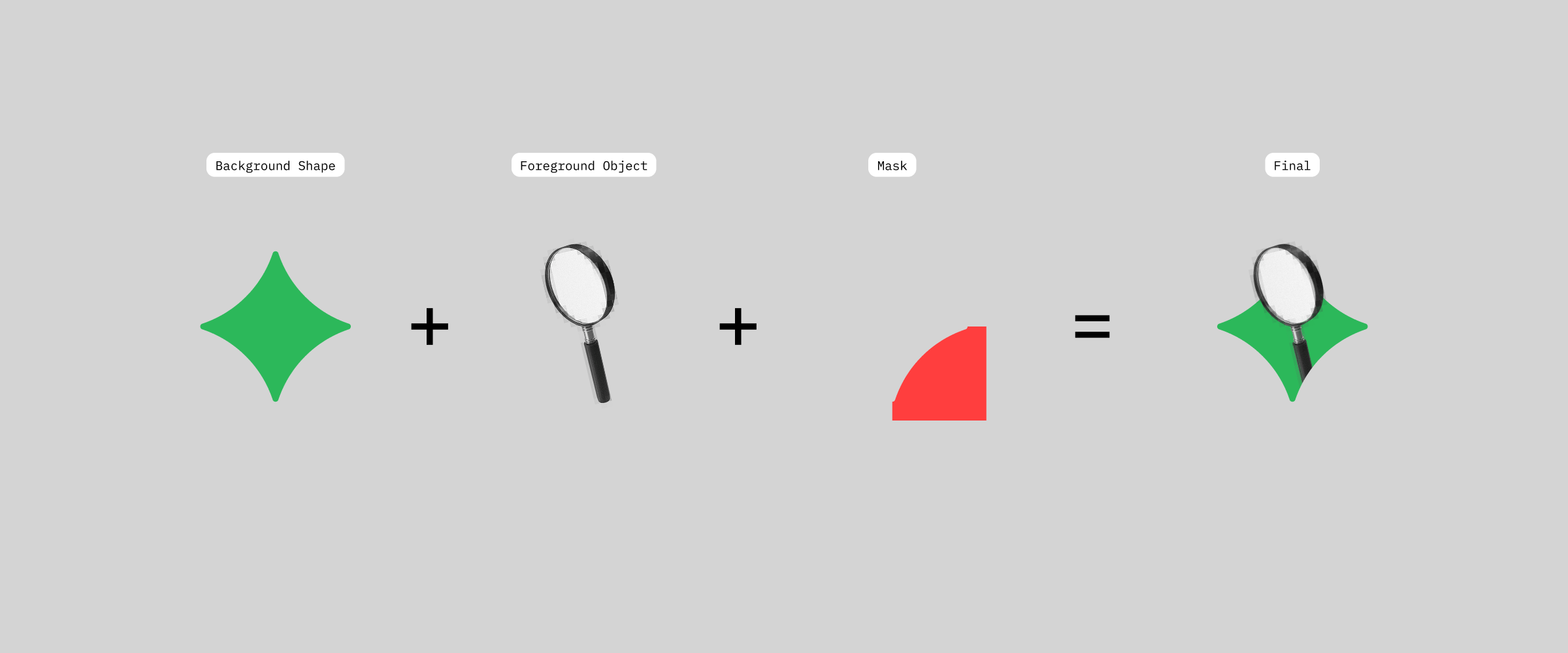
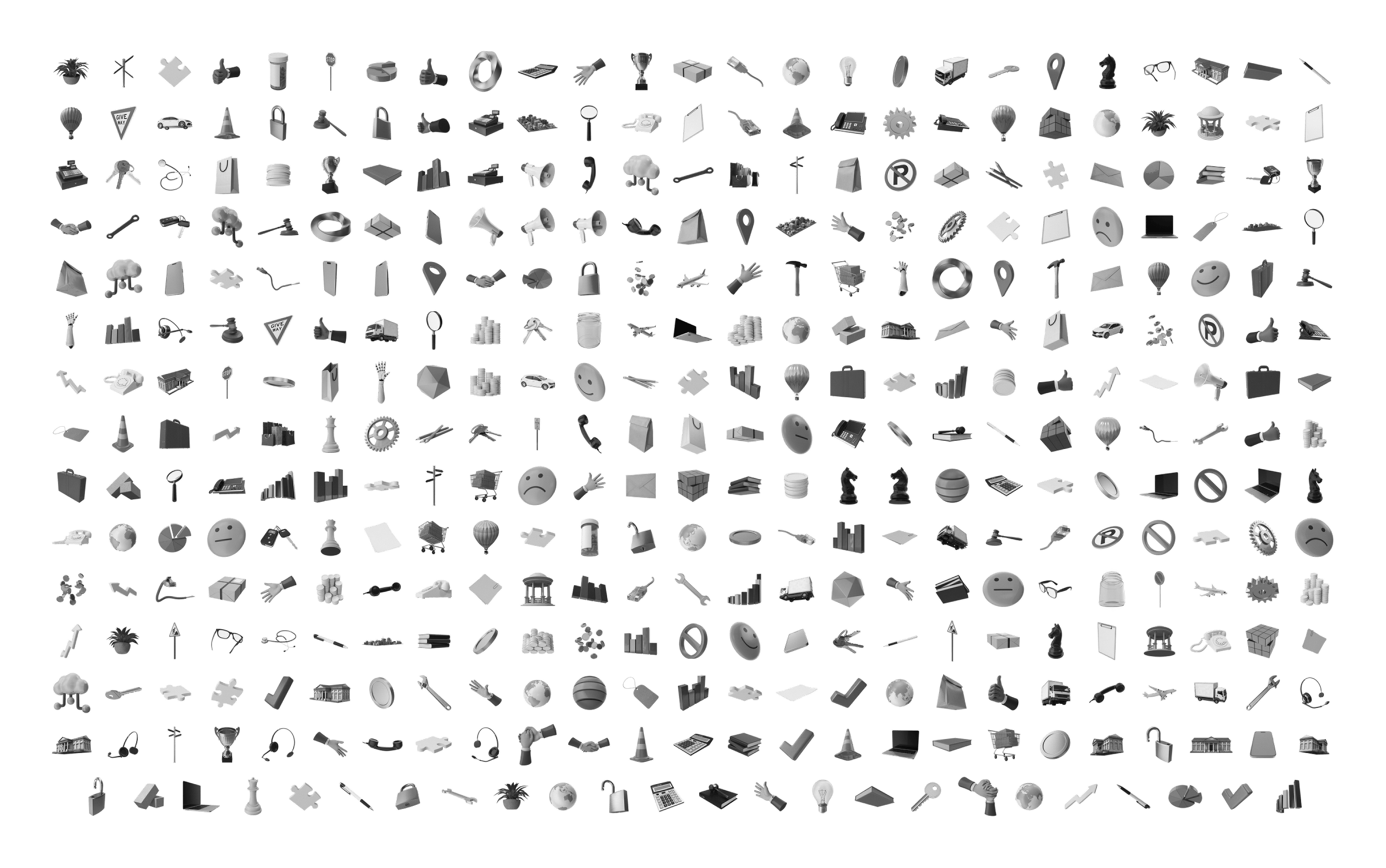
The foreground objects were the core of it. Mostly realistic, some abstract, all 3D rendered, all in black and white so the background colour could do its thing. After breaking these down we had 430 foreground object components in total. Around 80 unique objects, each with at least two variations.
Building was actually the easiest part. My philosophy with internal tools is simple: if it’s not dealing with sensitive data or interacting with live production code, it doesn’t need to be precious. It was a quick build in React that utilised SVGs for shapes and masks so that it could handle lossless adjustments.
What the user ends up being able to do is select a background, pick a colour from our brand palette, select one of the 430 objects available and then play around with the size, rotation and mask. Then when they’re happy with it, they export the high-quality PNG. The only process that doesn’t live in the tool is that after an illustration is made, it gets added to the library manually and documented in a spreadsheet.
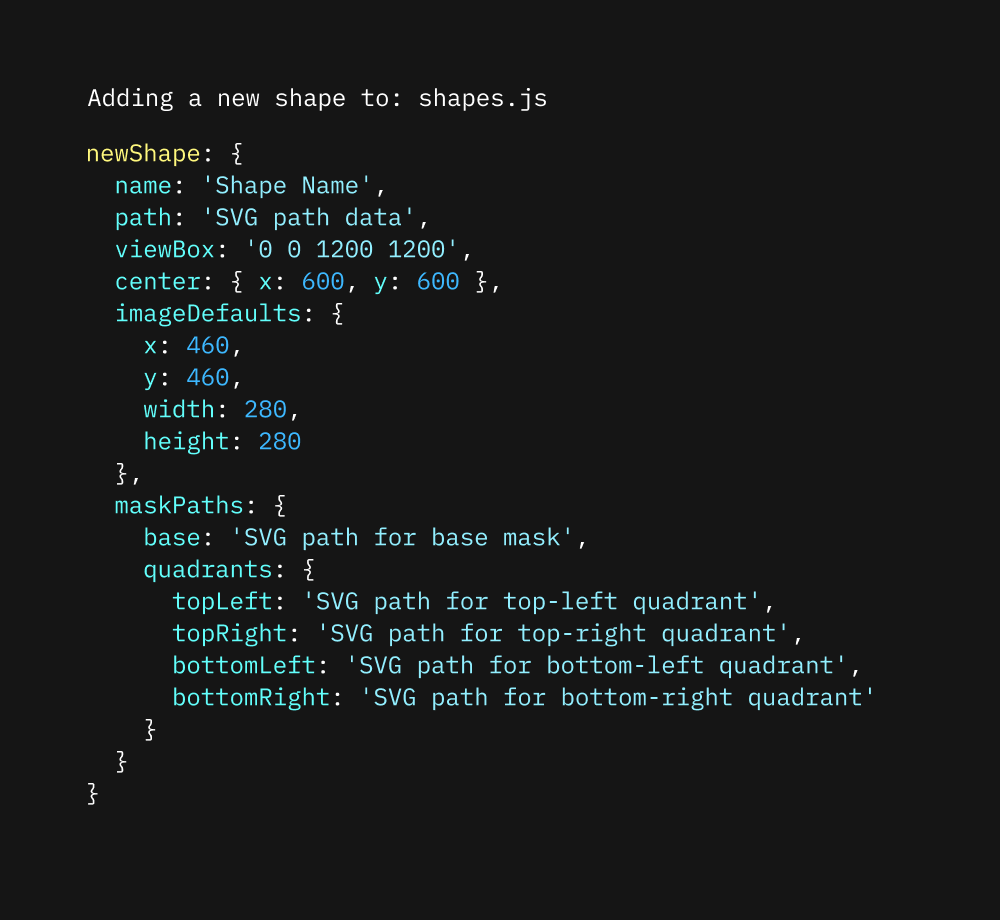
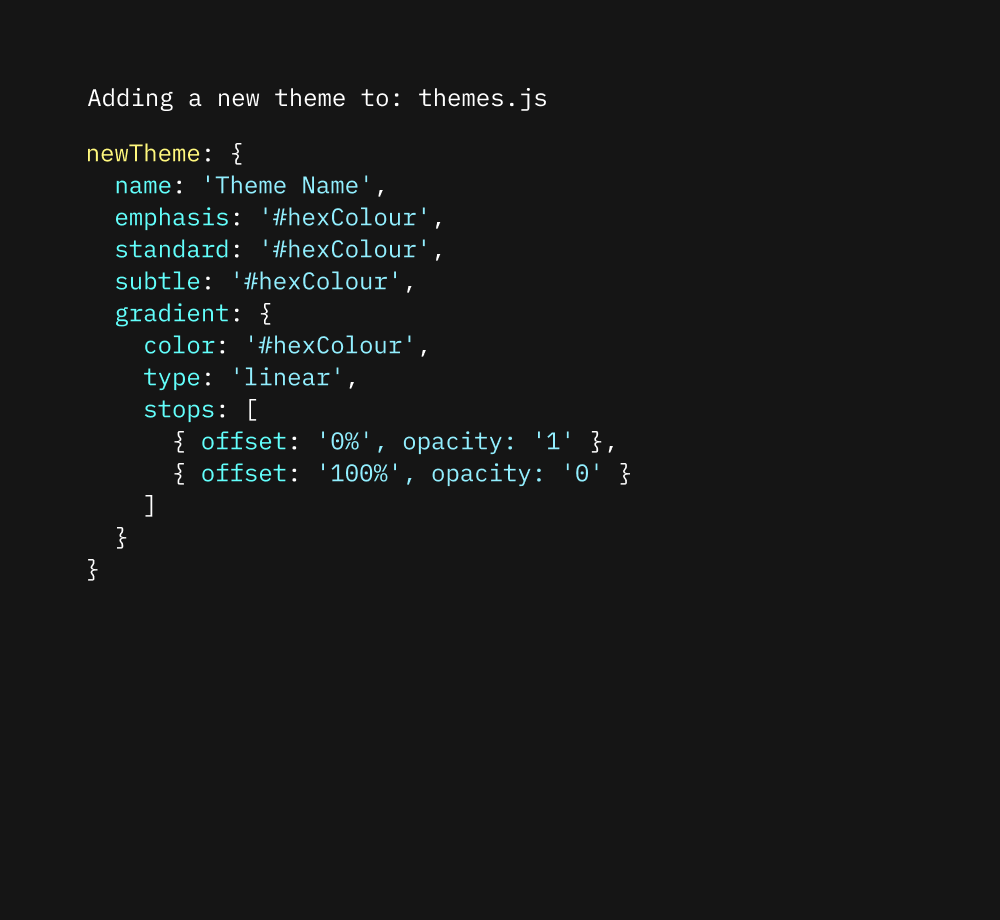
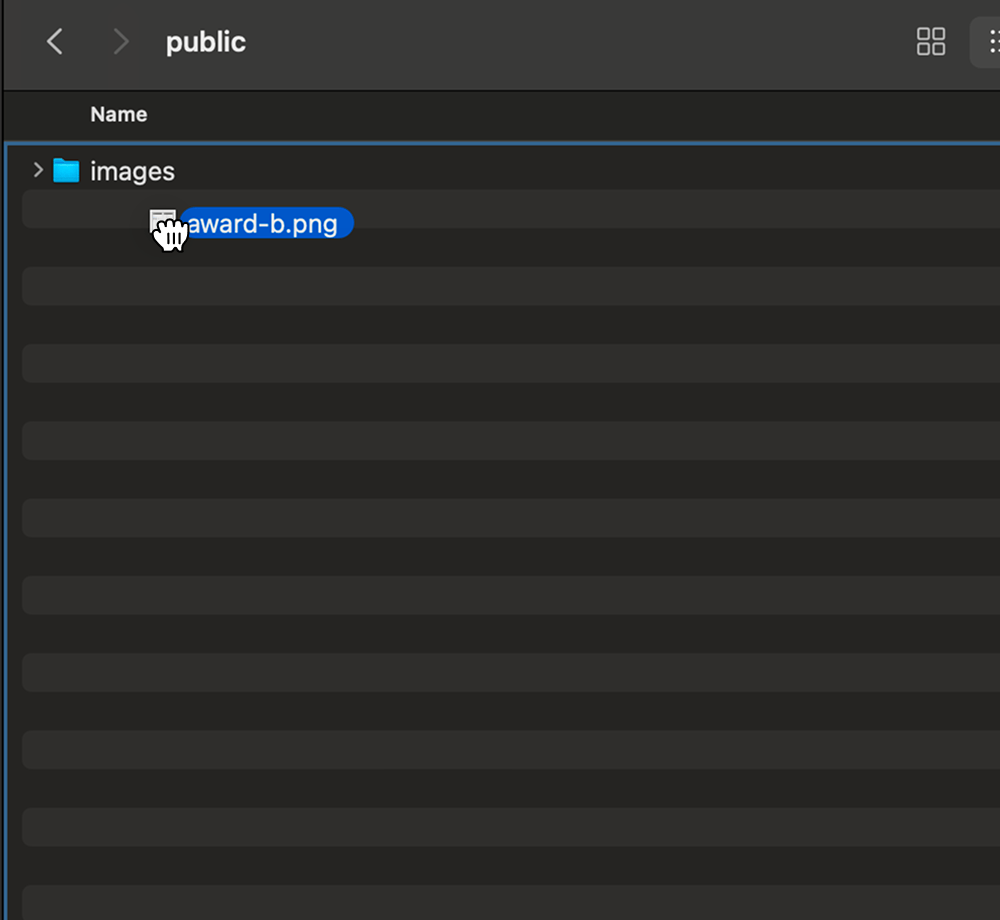
Use the toolDespite this tool not being built perfectly, I still made sure it could handle additions or updates in the future. Adding new shapes and colours was basic code additions, just a few extra lines here and there. Adding new foreground objects was just a matter of dropping the image into the directory and it would automatically populate in the tool.
While this didn’t fix all of our problems, it helped us keep things afloat while we hoped things would return to normal and that the functions we lost would be restored — that never happened.
Ready to get in touch?